Supported use cases:
Quick tests
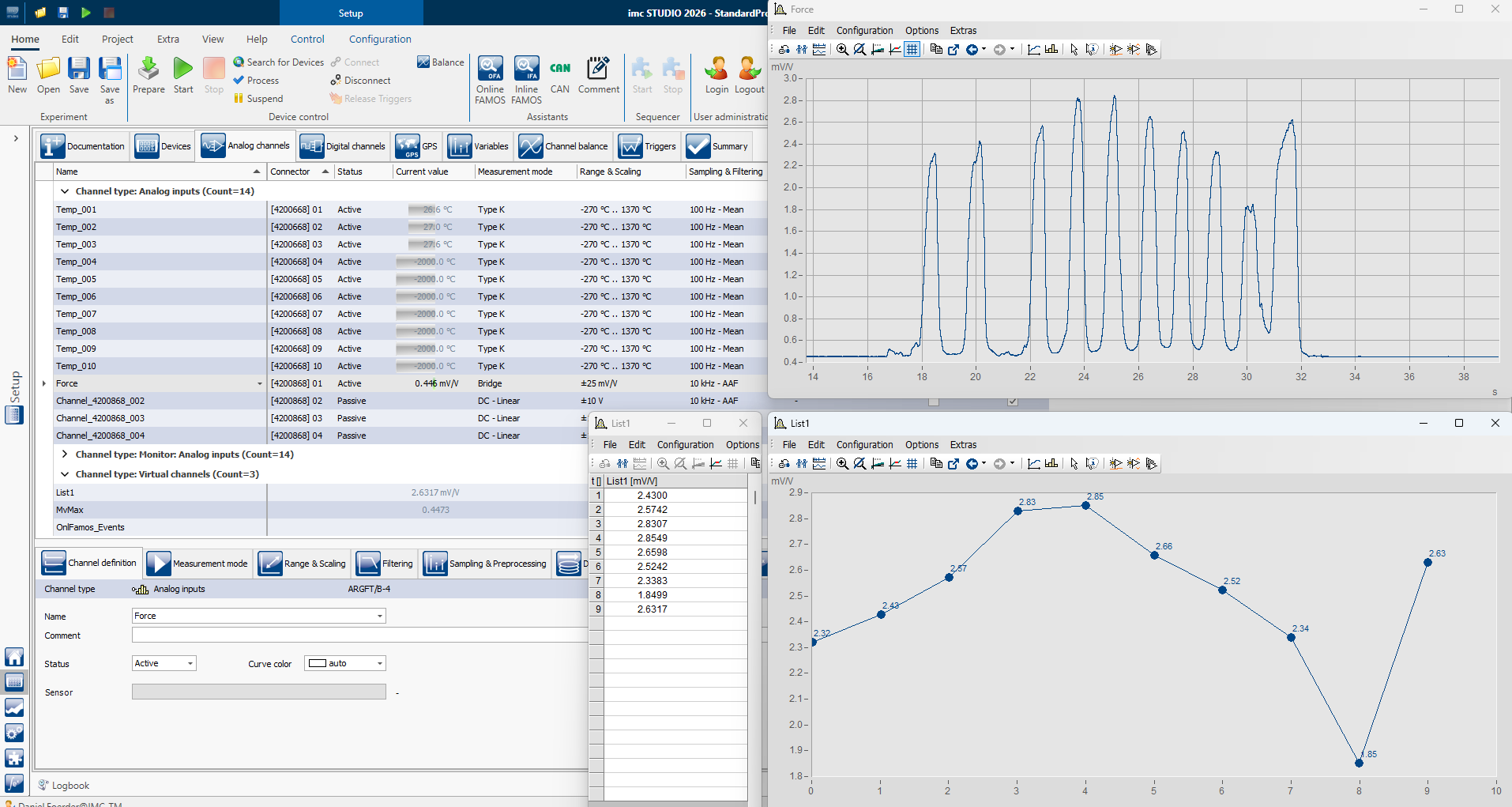
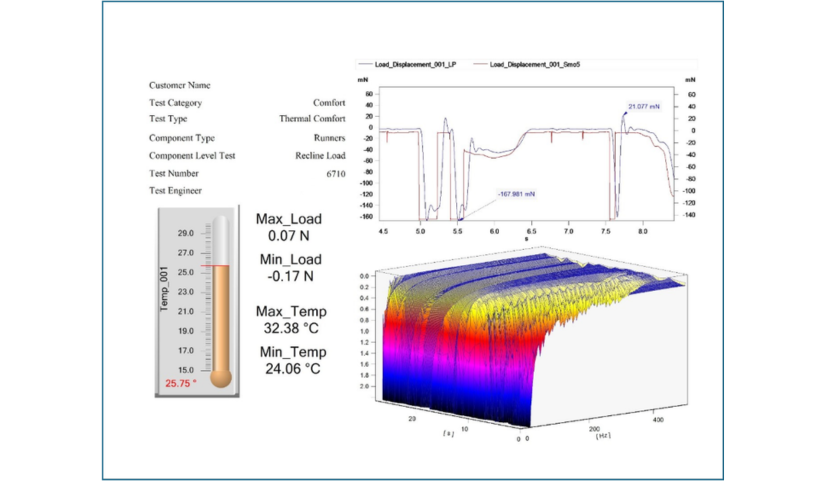
Get test results on your screen within a few minutes – after quickly configuring input ranges, measurement modes and couplings, imc STUDIO shows range indicators for all channels in a compact list. Plot time-series data with just a double-click, for single or multiple channels. Zoom into the live data with astonishing smoothness, independent of sampling rates. Place the plots of different styles on a report page with a few clicks, rearrange curve overlays and adjustments using the assistants – and your report is ready. Data is automatically stored in a compact, binary format – including traceability information about how the channels were configured.
Test rigs
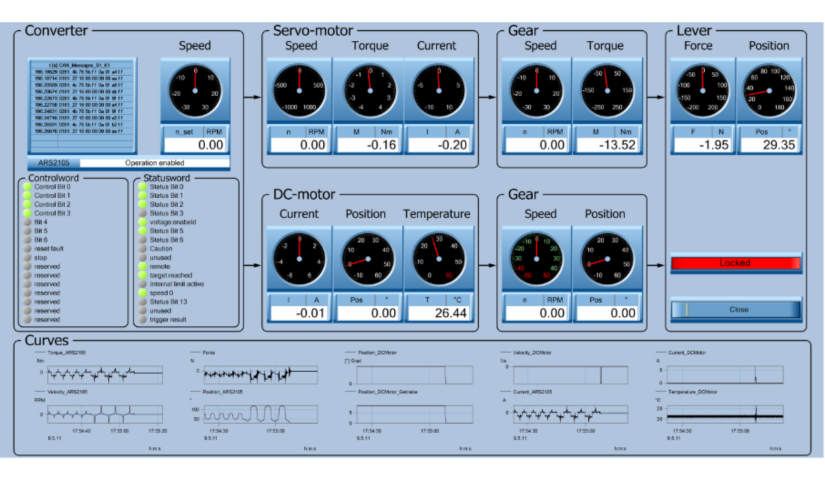
Configure analog inputs, digital I/O, analog control output, CAN bus, EtherCAT, XCPoE and other interfaces to exchange data with HIL systems or 3rd-party automation systems. Integrate climate chambers, programmable power supplies, battery simulators and much more using the programming interfaces. Configure real-time data processing – from signal stabilization detection through FFT calculation to closed-loop PID control. Create an operator interface GUI using drag & drop having exactly the buttons, sliders and dropdowns that your test rig operator needs – hiding everything else and preventing unwanted modifications.
Vehicle tests
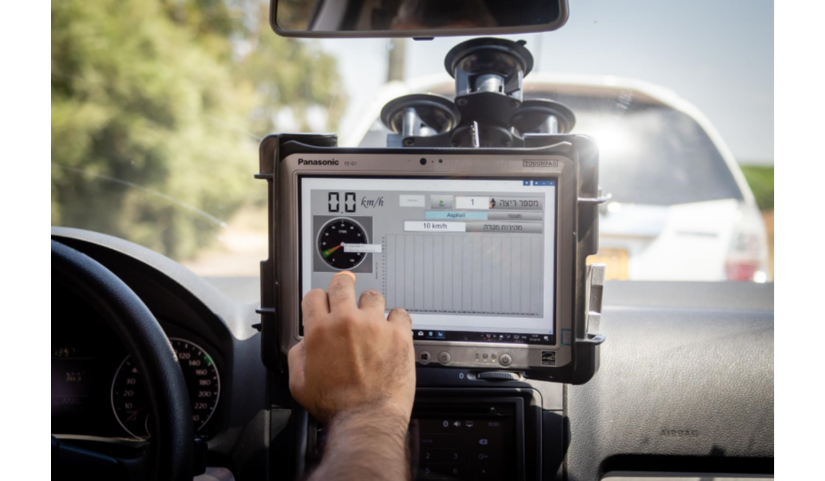
Configure logging data from ECUs, IMUs, CAN-based sensors, telemetry, analog channels and more – using assistants, without programming, focussing on the engineering data, not the field-bus internals. Create a driver interface GUI to easily start and stop the trials and receive instructions on which test to perform next. Configure live data analysis to immediately show the driver which MFDD he achieved, whether his speed was constant enough or whether there are any unexpected frequencies in vibration signals – so that you have valid data when the driver comes back from the test track, guaranteed.
NVH applications
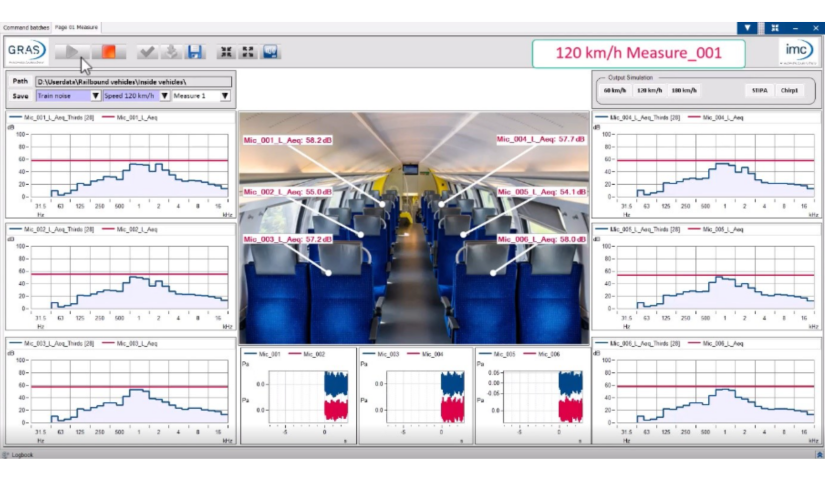
Calibrate your microphones and accelerometers and configure live data processing functions – without coding. Whether you are looking for sound pressure level (in time-domain, as FFT or octave spectrum), order spectra, resampling of vibration data into angle domain, ISO 20716 machine diagnosis or PSD calculation – with the calculation capabilities imc WAVE, you can add numerous live calculations with just a few clicks. Plotting the live data only needs some drag & drop. For more advanced math calculations, you can utilize our high-level scripting language and extract the peak value of third-octave spectra, for example.
Advanced applications
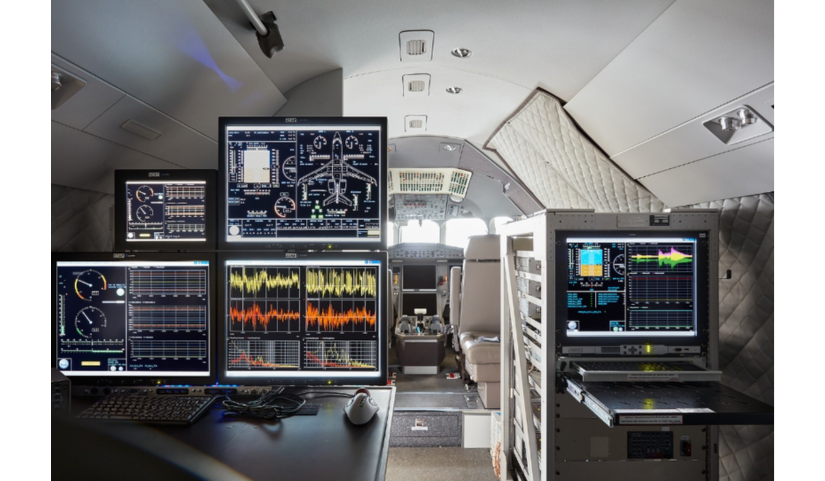
Extend imc STUDIO by custom workflows, metadata input prompts, data analysis functions, specialized display widgets and much more. We provide numerous ways to turn imc STUDIO into the exact match for your application. From just changing some options, configuring commands reacting on certain events or adding custom menu buttons to programming C# scripts – we always find a way to fulfil your special requirements.
imc STUDIO Helps You With:
Configure and measure
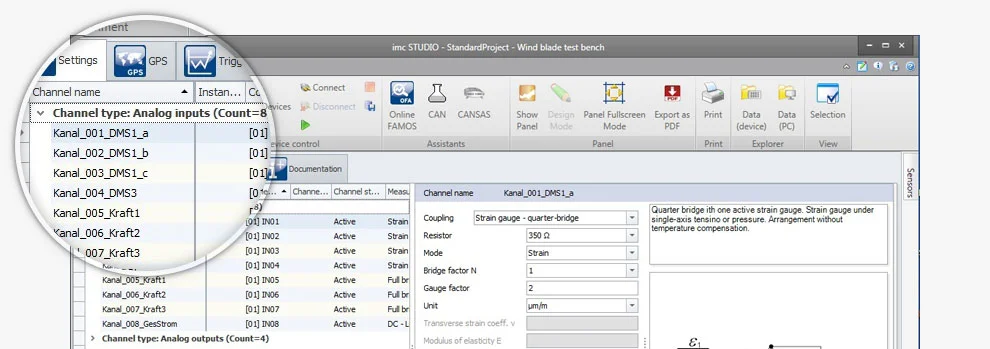
With imc STUDIO, you are ready to start your measurement in a few minutes. A clearly organized channel configuration list, extensive sorting and filtering functions, numerous assistants, built-in sensor management and support of TEDS are just some of the useful functions for achieving quick, intuitive system configuration.
Data display and system operation
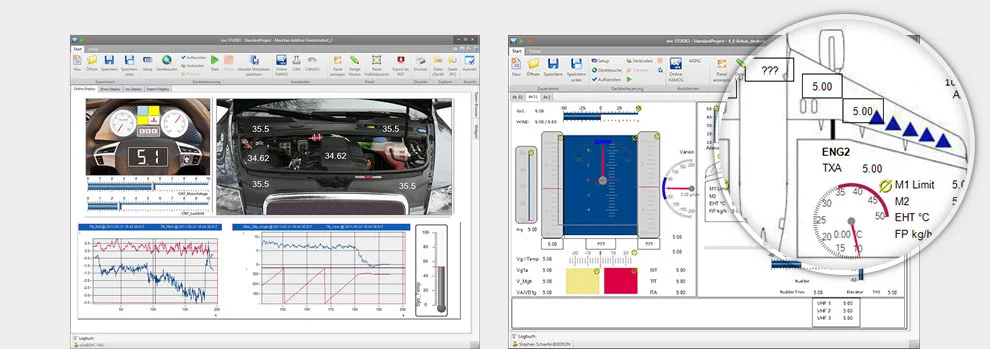
With just a few mouse clicks, you can design tailor-made user interfaces with the imc STUDIO Panel, and link them to the system’s inputs and outputs. Choose from over 100 predefined instrument templates and elements (widgets) to create your own personal test and measurement interface.
Automating routine tasks
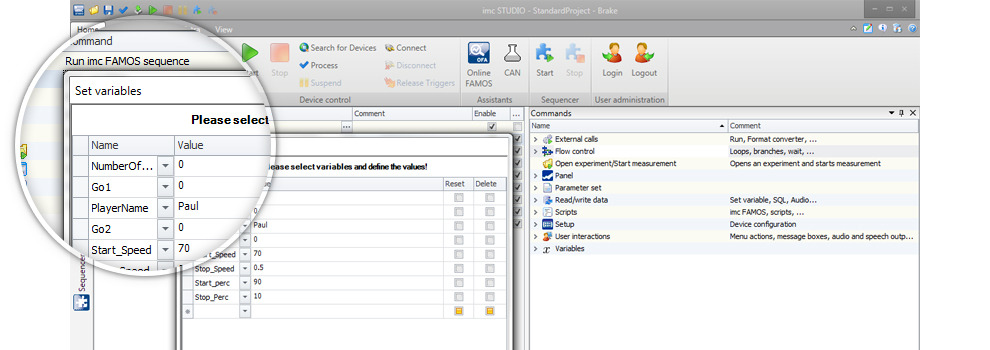
Save time by automating routine measurement processes using imc STUDIO. Use the drag & drop technique to create your own personal test sequence by selecting from a wide variety of functions – such as channel balancing, entering test object data, starting measurements, saving data, running analyses and printing out a report. That's it!
Easy test stand automation
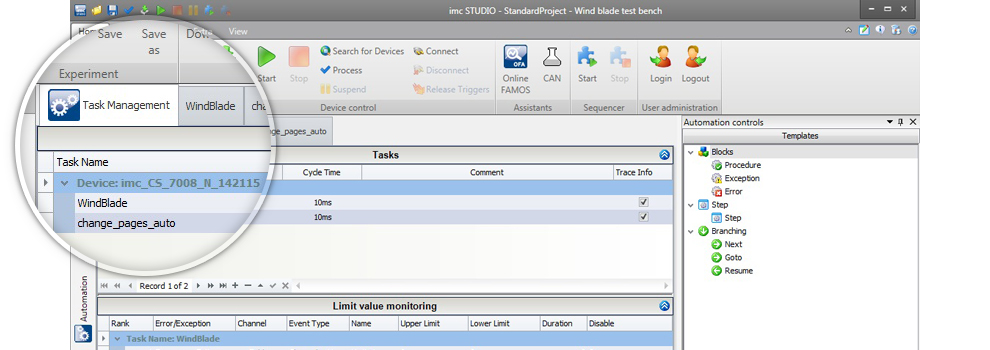
Let control of the test environment be an integral part of your measurement application! When testing components, imc STUDIO not only measures the performance of the test object, but also allows you to integrate real-time automation and control for your test station - without programming one line of code. You simply define a state oriented test process and use drag & drop to insert ready-made functions for specifying target values, actuator profiles, control logic and even multi-variable closed-loop control systems.
What's New in imc STUDIO 2026
Proven in Real Test Environments
Thousands of companies and universities rely on imc STUDIO
From automotive and aerospace to energy, education and research: engineering teams worldwide use imc STUDIO to configure, run and automate complex measurement tasks.
Whether you are setting up DAQ channels, visualizing live data, automating routine test sequences or controlling test bench processes, imc STUDIO brings the entire test and measurement workflow into one integrated software environment. With intuitive configuration tools, customizable panels, drag-and-drop automation and powerful options for measurement control, imc STUDIO helps engineers move from setup to reliable results efficiently — without unnecessary complexity.